LAN mode
This guide covers operation of Stringman in a LAN-only mode.
If stringman-headless is run without the --telemetry_env arugment, It will not transmit anything outside of your local network.
It only listens on port 4254 for a User Interface (or other compatible controller)
Run motion controller in lan mode
Set up virtualenv
python3 -m virtualenv venv
source venv/bin/activate
pip install "nf_robot[host]"
Run
stringman-headless
the calibration will be saved at a default location of configuration.json
Connect from the UI
Although the web UI is served from neufangled.com/control_panel, in LAN mode, it makes no outside connections and you don't have to log in.
Just select LAN mode and it will make a connection to localhost:4254
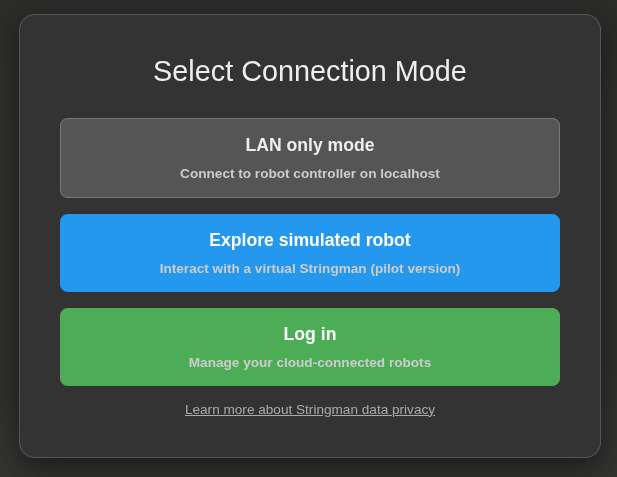
It doesn't matter whether you start the UI first or stringman-headless first.
Privacy
The video flow from your robot components (anchors and gripper) in LAN mode is as follows.
When idle the cameras are inactive. When stringman-headless connects to the components, the cameras start, and video is streamed within your wifi network to the stringman-headless process where it is used for locating the markers and performing target identifaction then immediately discarded. Nothing is saved to disk or sent to the cloud. The only data from the video that remains after processing is the location of the robot's marker box, and the locations of any objects which it identified for pick up.
In the cloud mode, which is activated by running stringman-headless --telemetry_env=production, the video is sent to a relay server at neufangled.com, where it is passed directly to the UI, only when you're connected. Only you have authorization to view that video and control your robot. Neufangled Robotics does not save your video on it's servers.
In either mode, video and robot control are secure and only accessible by you.